

For small teams delivering client work
Client work.
Clearly connected.
Projects, tasks, documents, requests, and approvals. A shared workspace for your team and the clients you work with.
Access requests are reviewed individually.
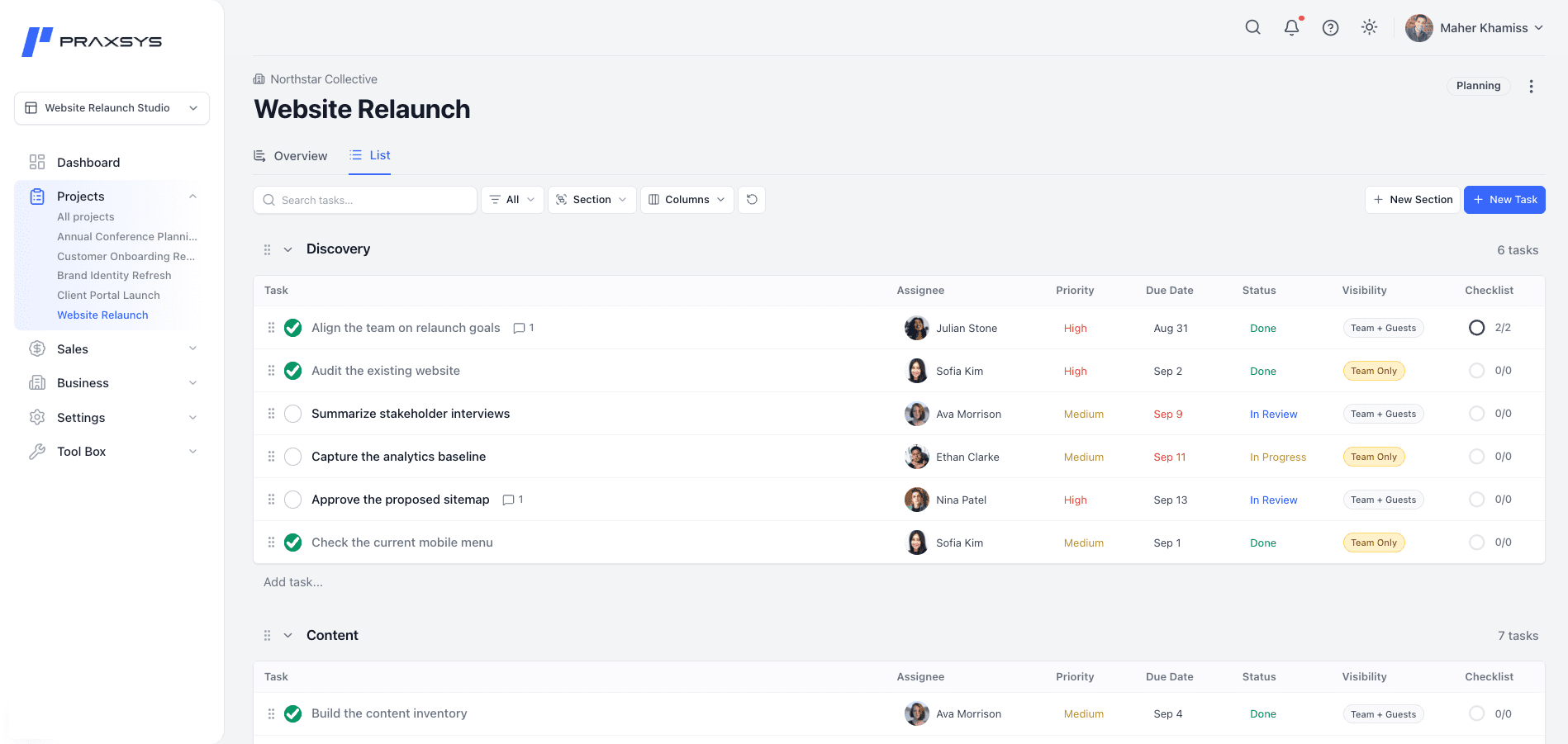
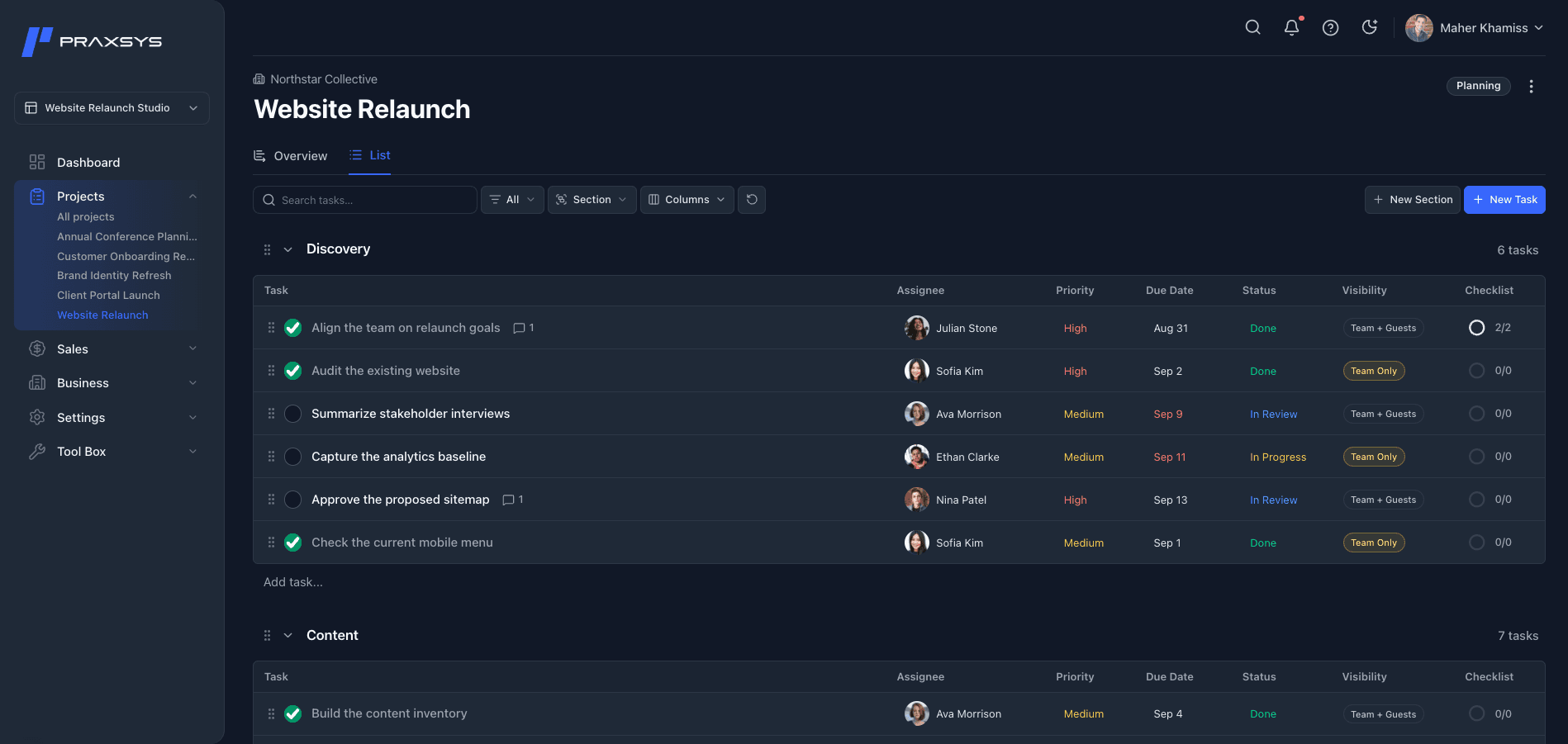
Projects
Know where the work stands.
Find projects by status or client, organize tasks, and assign responsibility. Use the Dashboard to see what needs attention, then open a project to keep the work moving with its context close by.
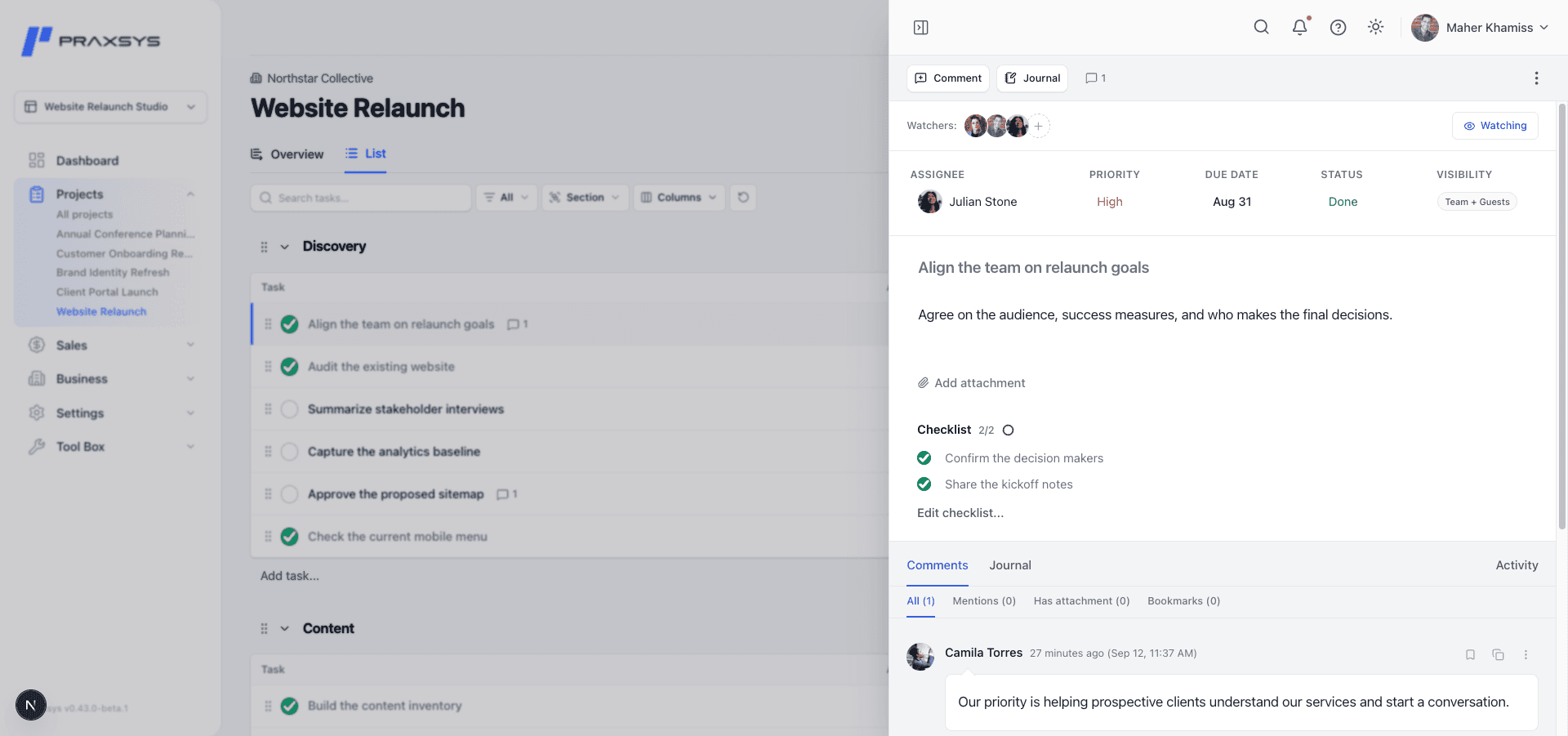
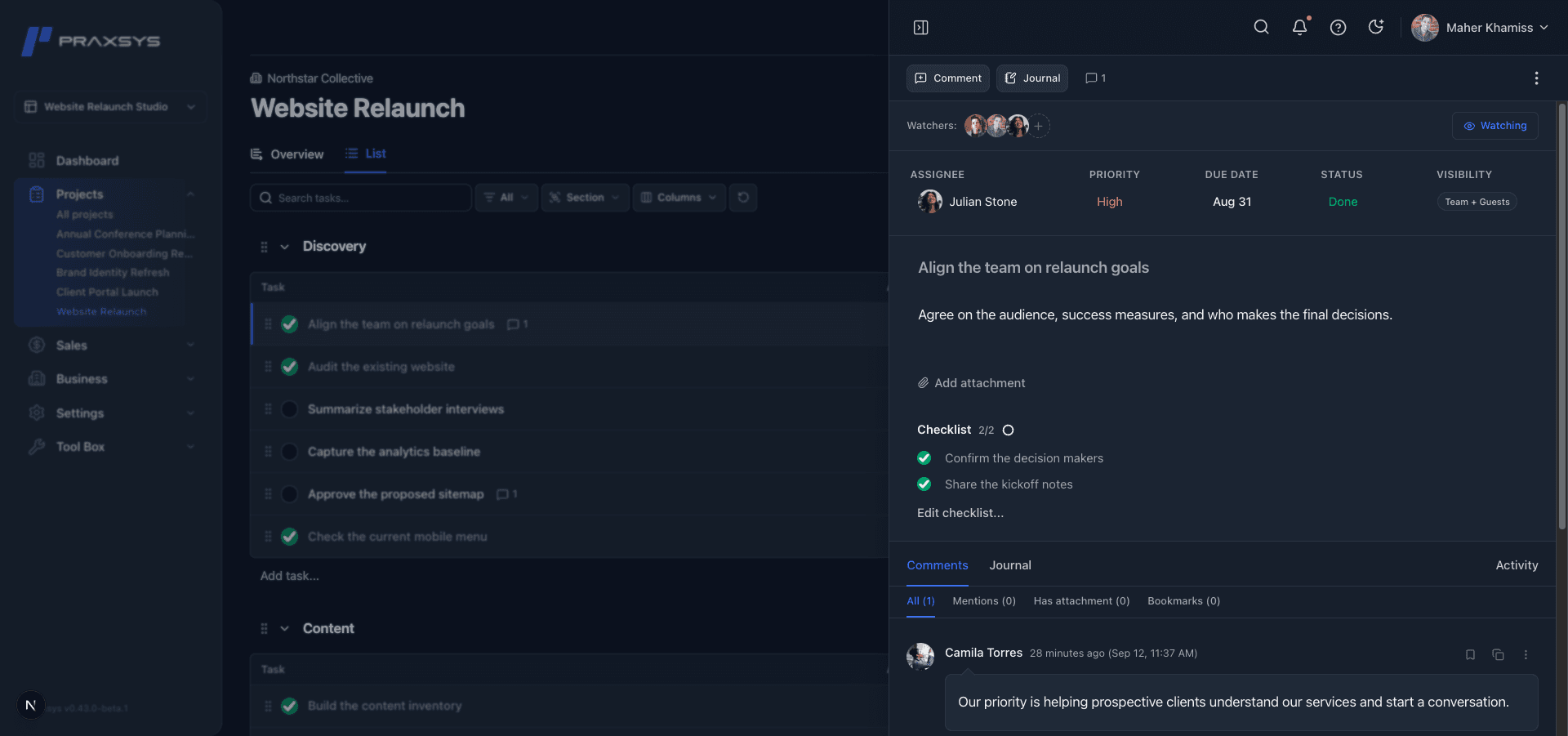
Documents
Everything the project needs. Together.
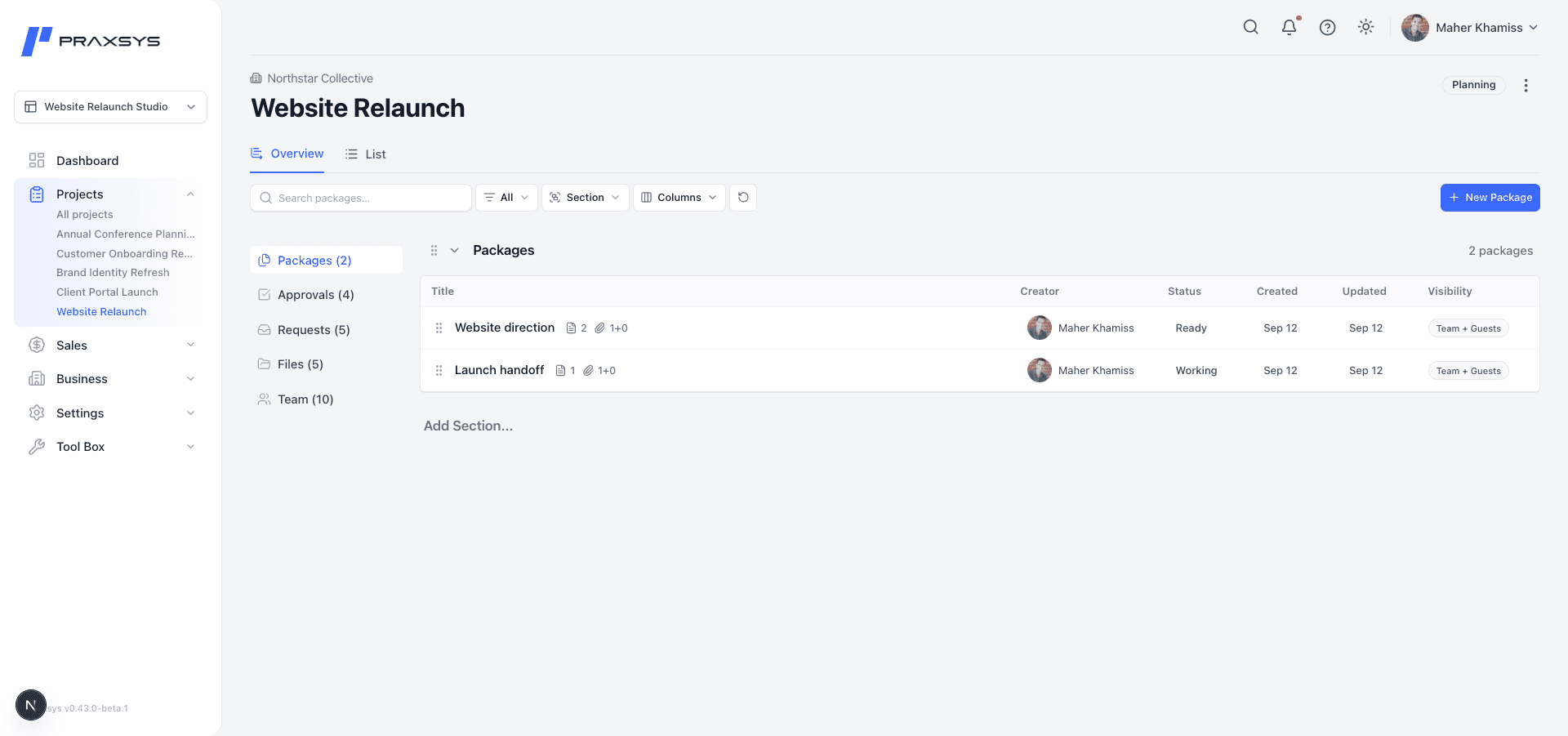
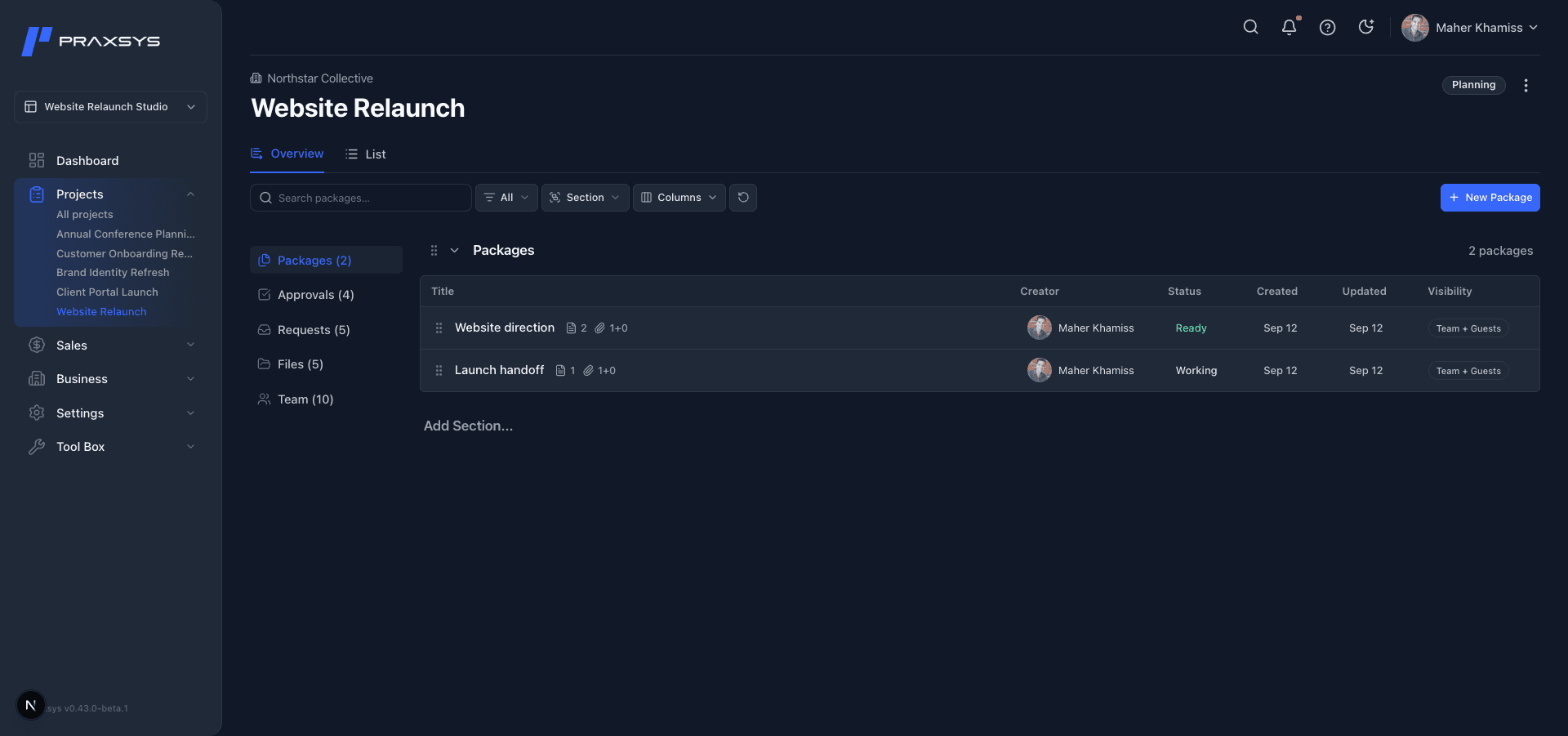
Bring working documents and attachments into Packages. Keep the material behind the work close to the project, ready to use when you prepare an Approval.
Requests
Give requests a clear place to start.
Team members and guests with project access can submit Requests. A project manager can accept a Request to create a task or close it with a reason. The requester can follow the outcome and continue the conversation.
Approvals
Clear feedback. Confident decisions.
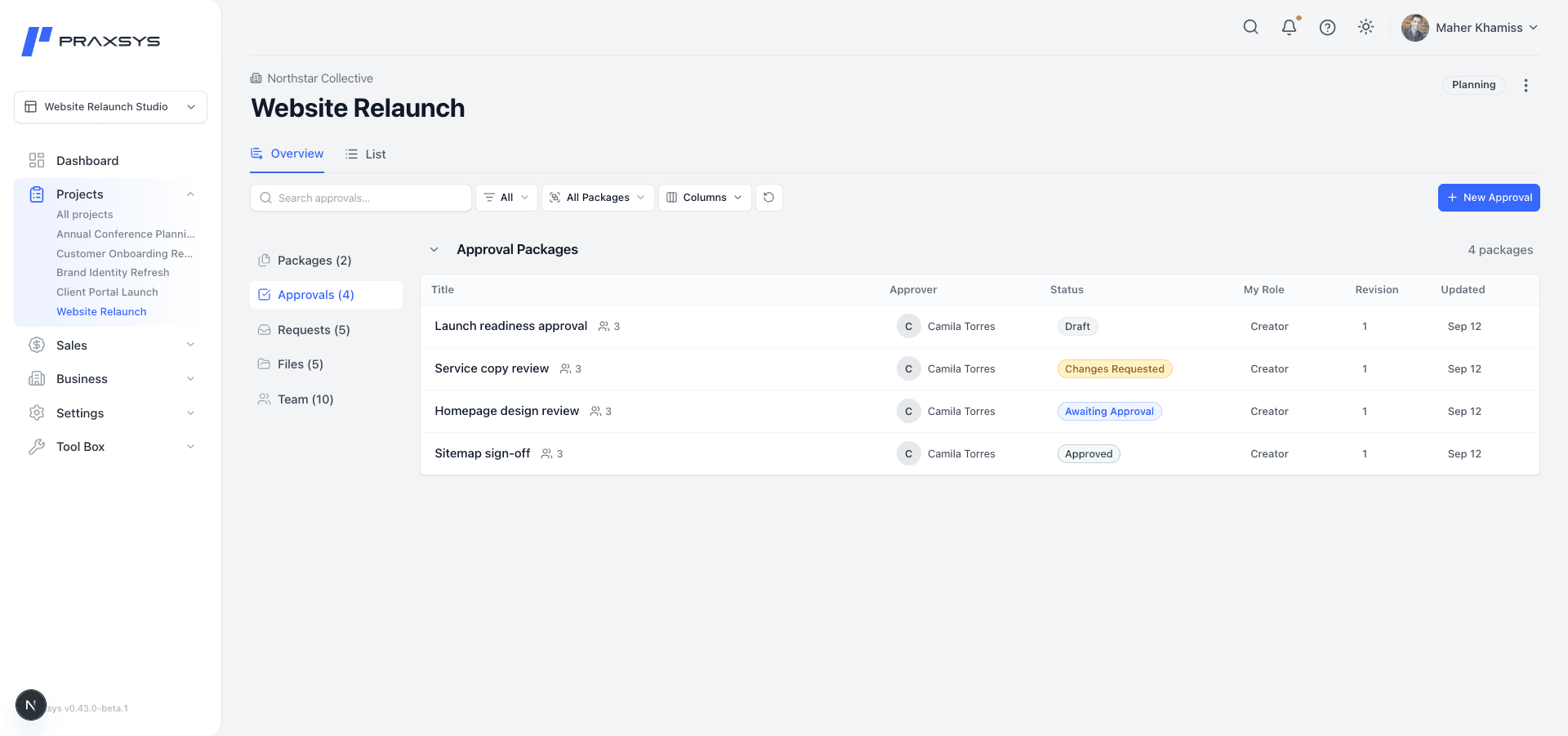
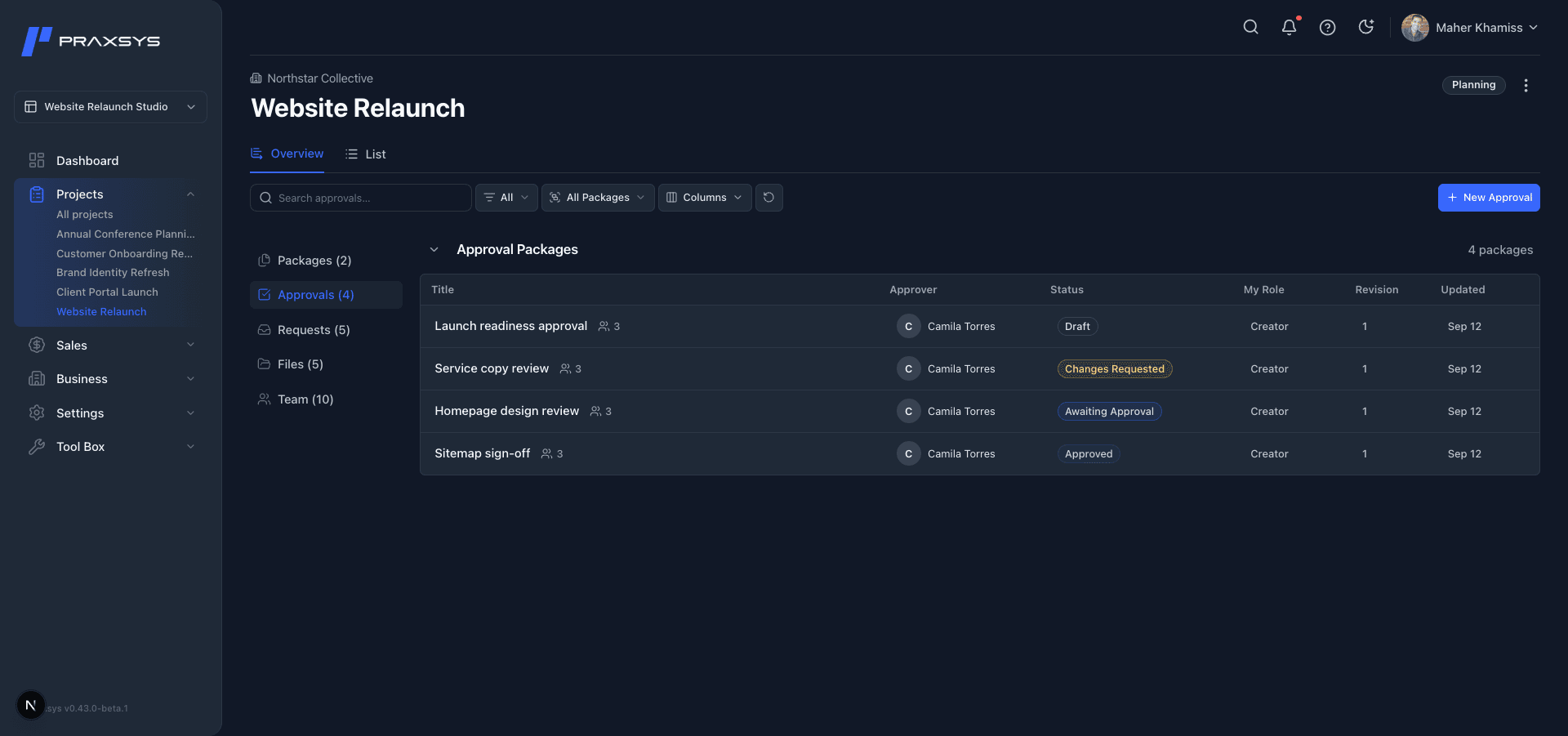
Prepare an Approval, choose its participants, and send it for review. Keep each sent version, its discussion, and its decision together, so the record stays clear as the work moves forward.
Clients and opportunities
Keep the relationship in view.
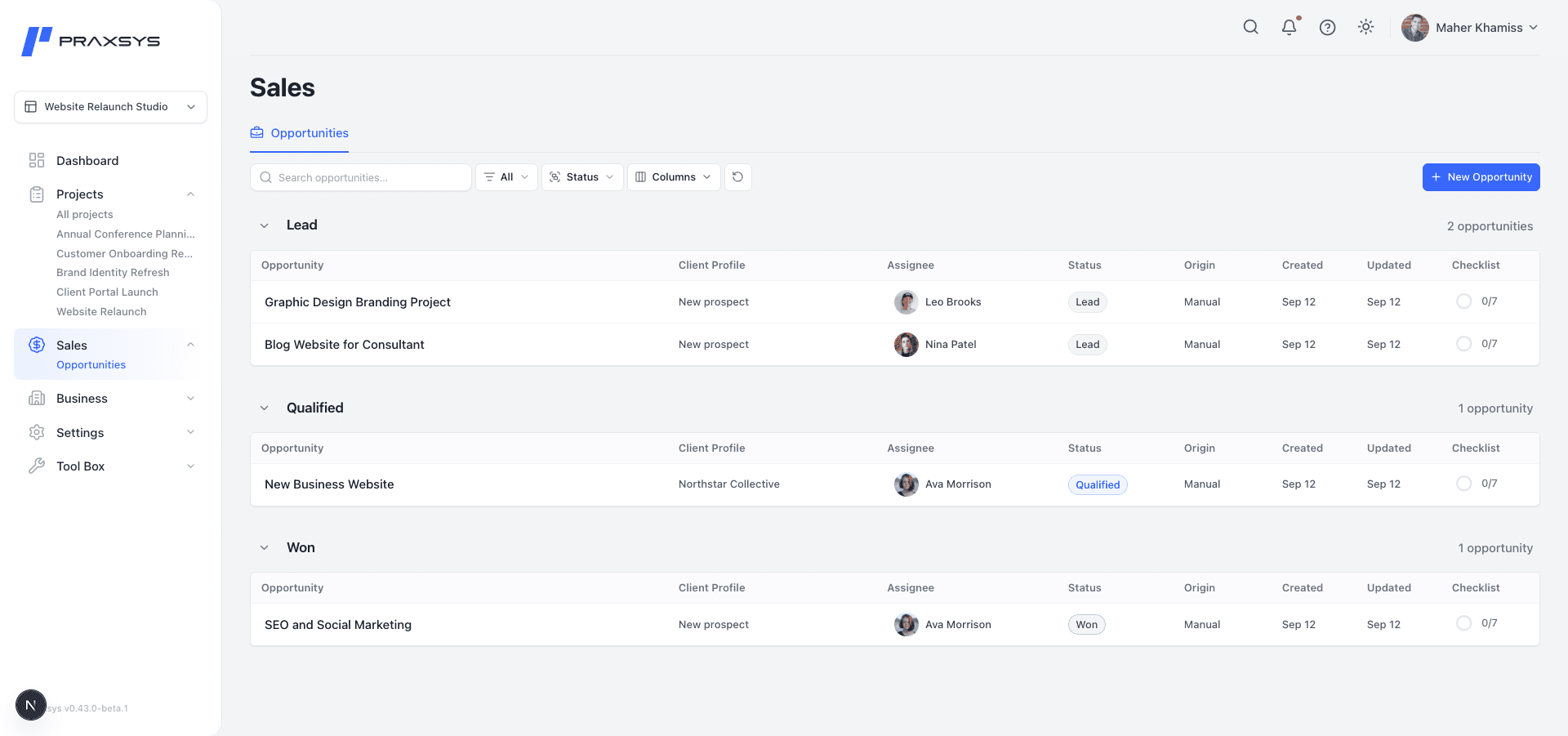
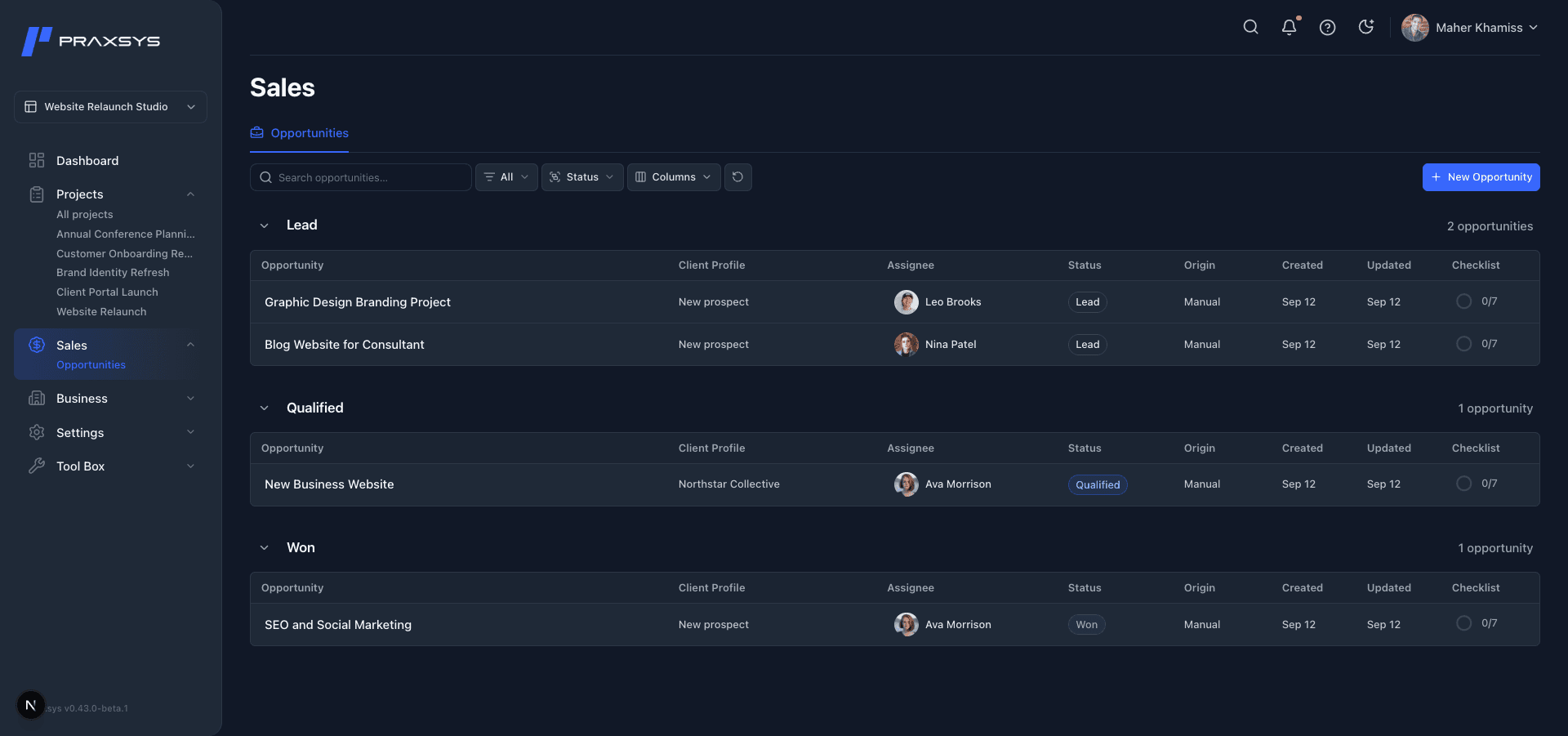
Connect clients with opportunities and projects. When potential work is ready to move forward, create a project from its opportunity and keep the connection.
A few things to know.
Who is Praxsys for?
Small teams delivering client work, including studios, agencies, consultancies, and service businesses that need a clearer place for project work and client decisions.
Can clients take part?
Yes. Invite clients to the projects they need and include them in specific approvals. Guests with project access can submit Requests and follow their own requests through review and resolution. What they can see and do depends on the access they are given.
What is included in Beta 1?
Beta 1 focuses on projects, tasks, document Packages, Requests, Approvals, and client relationships. The Dashboard helps you find work that needs attention. Workflow, internal Forms, and public form submissions are unavailable in this beta.
How do I get access?
Send an access request with a little context about your team and the work you deliver. Requests are reviewed individually.
What happens after I submit a request?
We review your request and, if there is a fit for access, follow up by email with next steps. Submitting a request does not create an account or guarantee access.