

The product
A clearer way to deliver client work.
Give tasks, documents, requests, and decisions a place in the same project. Keep your client relationships connected as new work takes shape.
Request accessStart with a clear project.
Start with the Dashboard to see your tasks and work that needs attention. Search Projects and filter by status or client to find the right place to work.
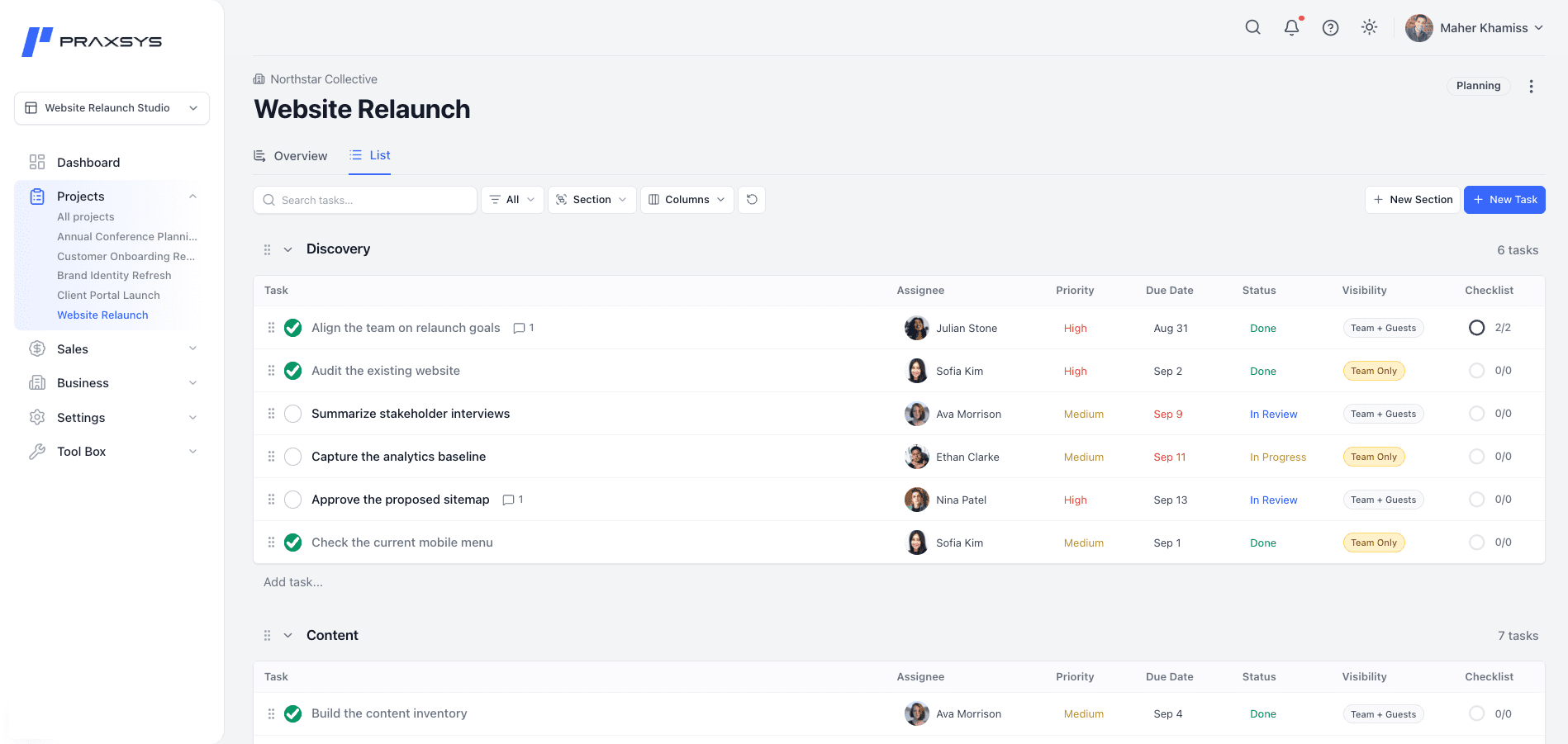
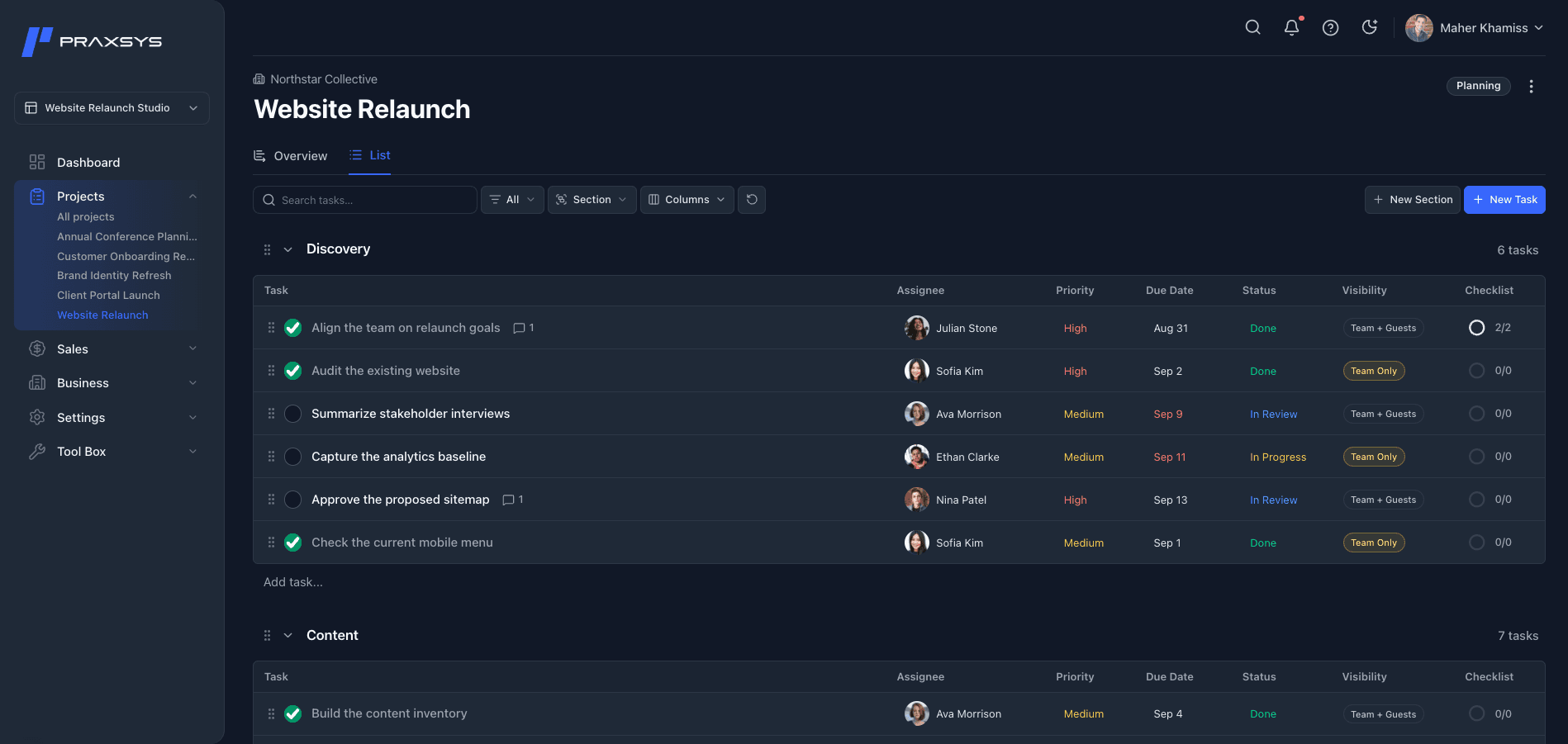
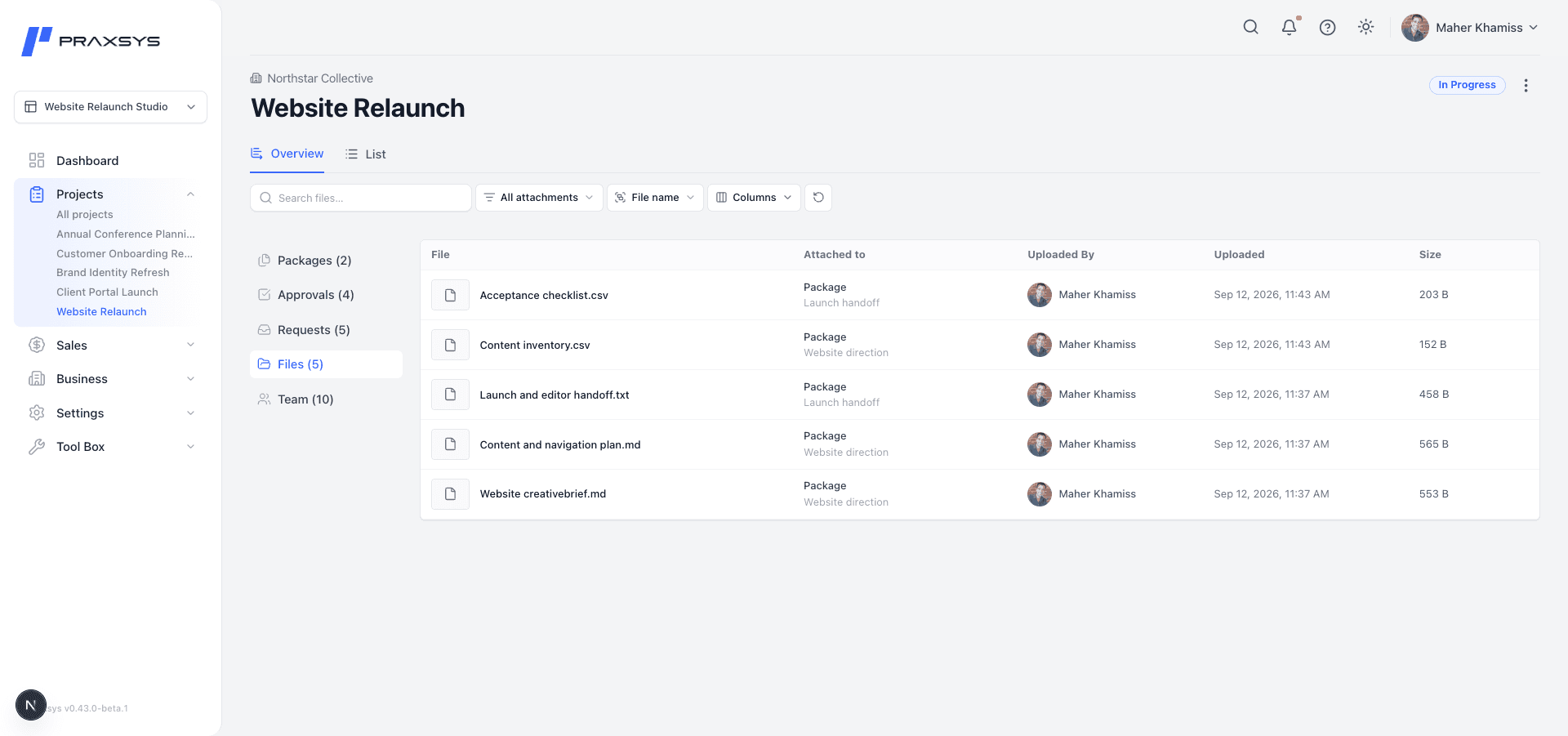
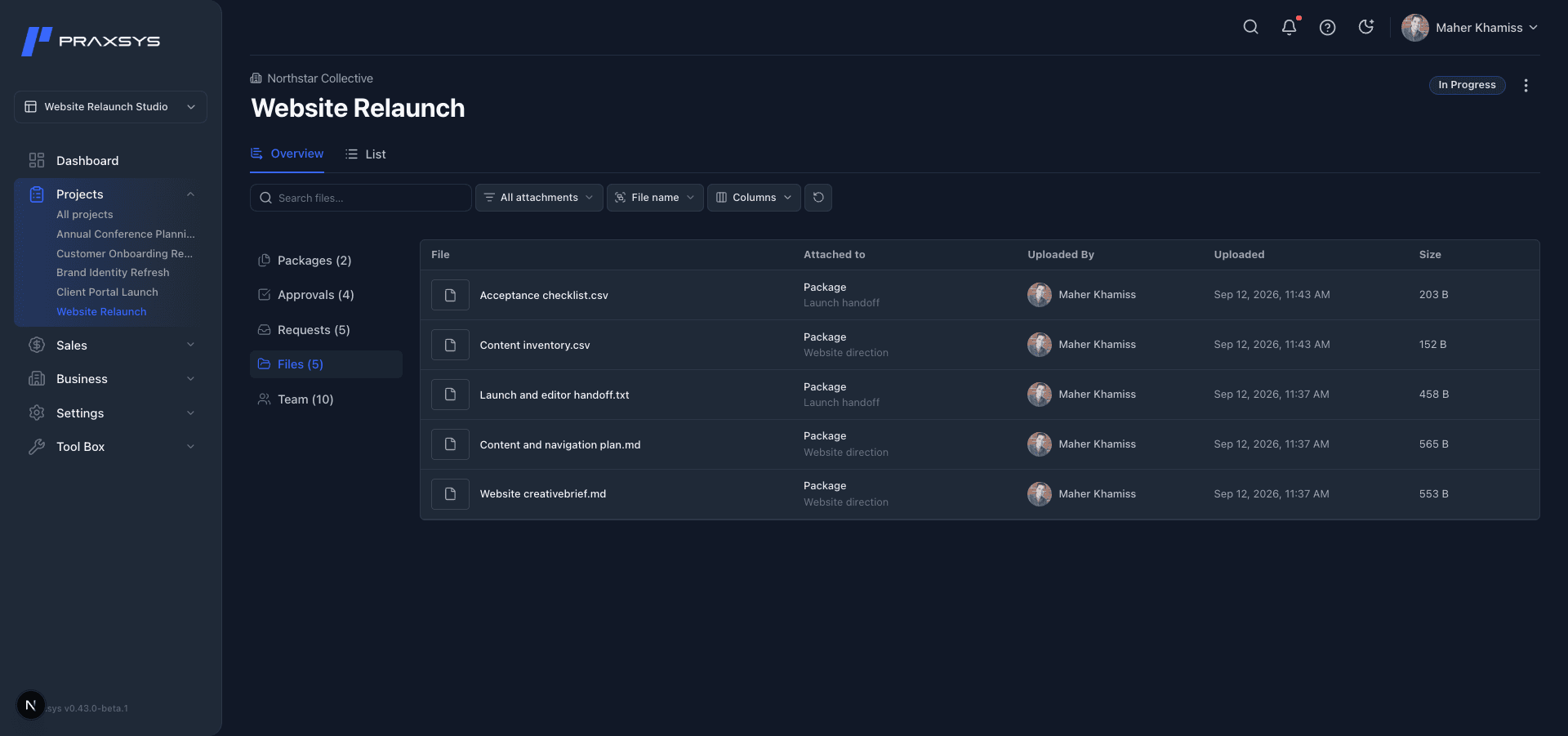
Projects open in List, where you organize tasks, assign people, and set due dates. Follow tasks through To Do, In Progress, In Review, and Done. Overview keeps Packages, Requests, Approvals, Files, and Team within reach.
Bring the supporting work together.
Build a Package from project documents and attachments. Keep working on the Package as the project develops, and use its contents to prepare an Approval when a decision is needed. Files helps you find material from across the project.
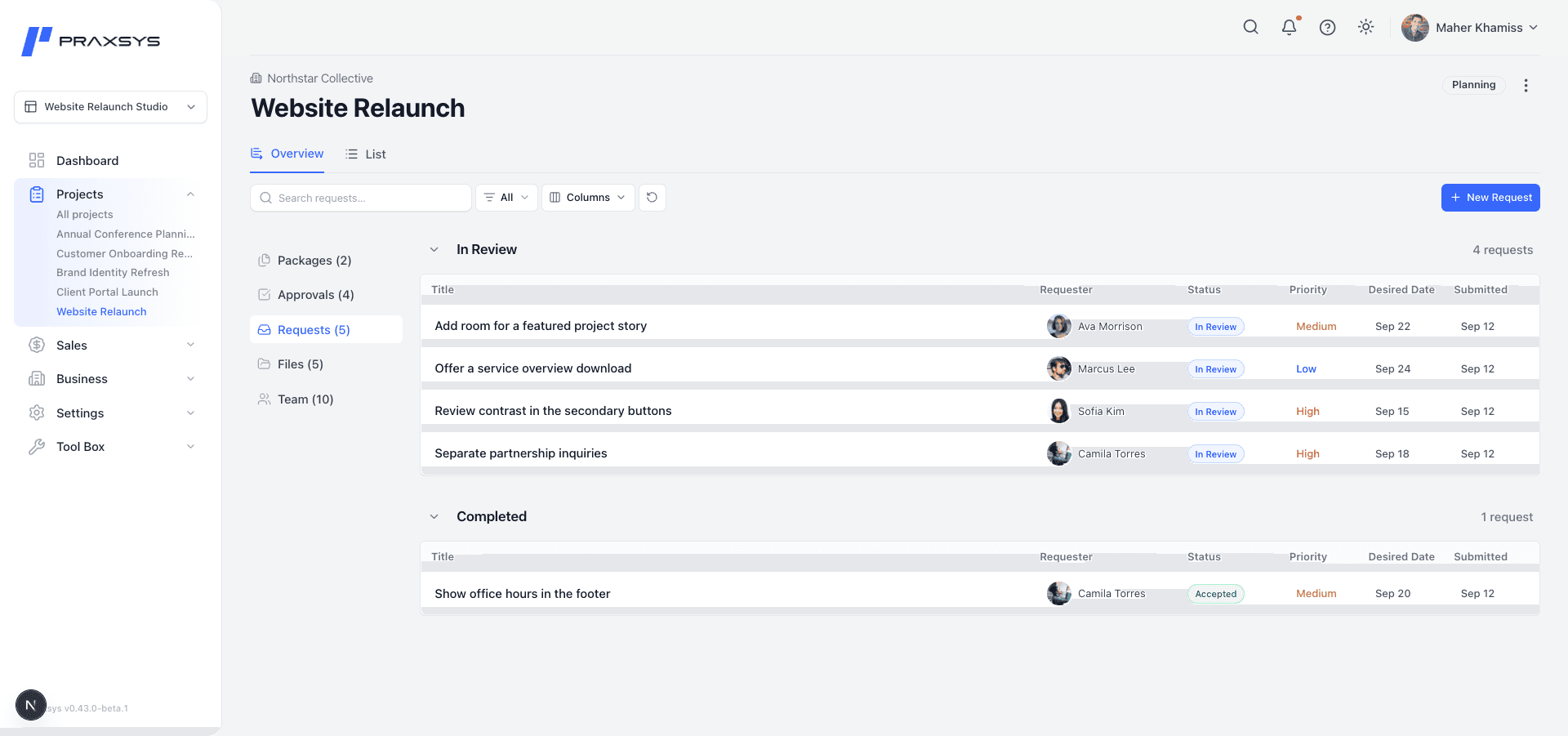
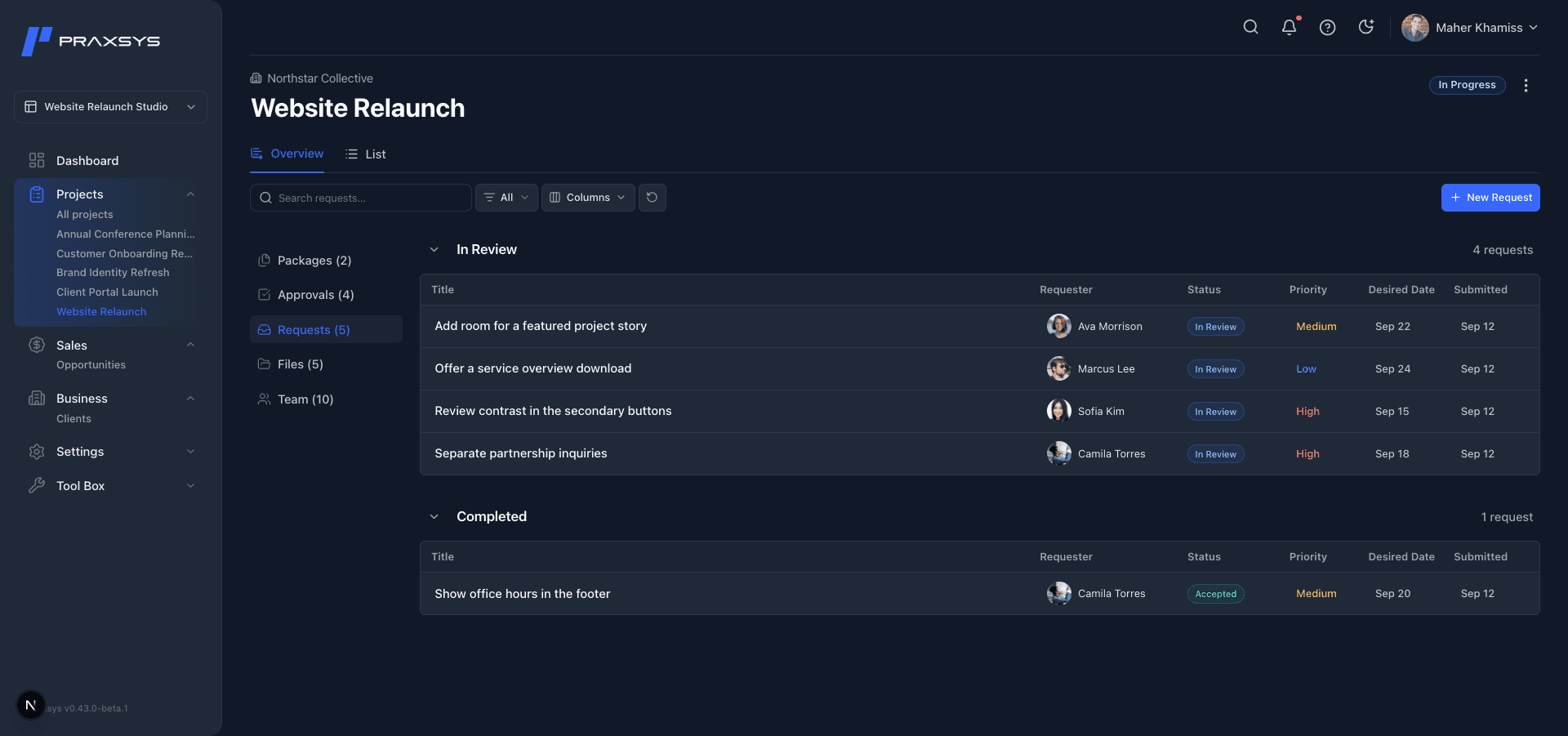
Review the request. Decide the next step.
Team members and guests with project access can submit Requests without needing permission to edit tasks. The Space Owner, an Admin, or the Project Lead can accept a Request to create a task or close it with a reason. Requesters can see the outcome and keep discussing their request after it is resolved.
Make the decision clear.
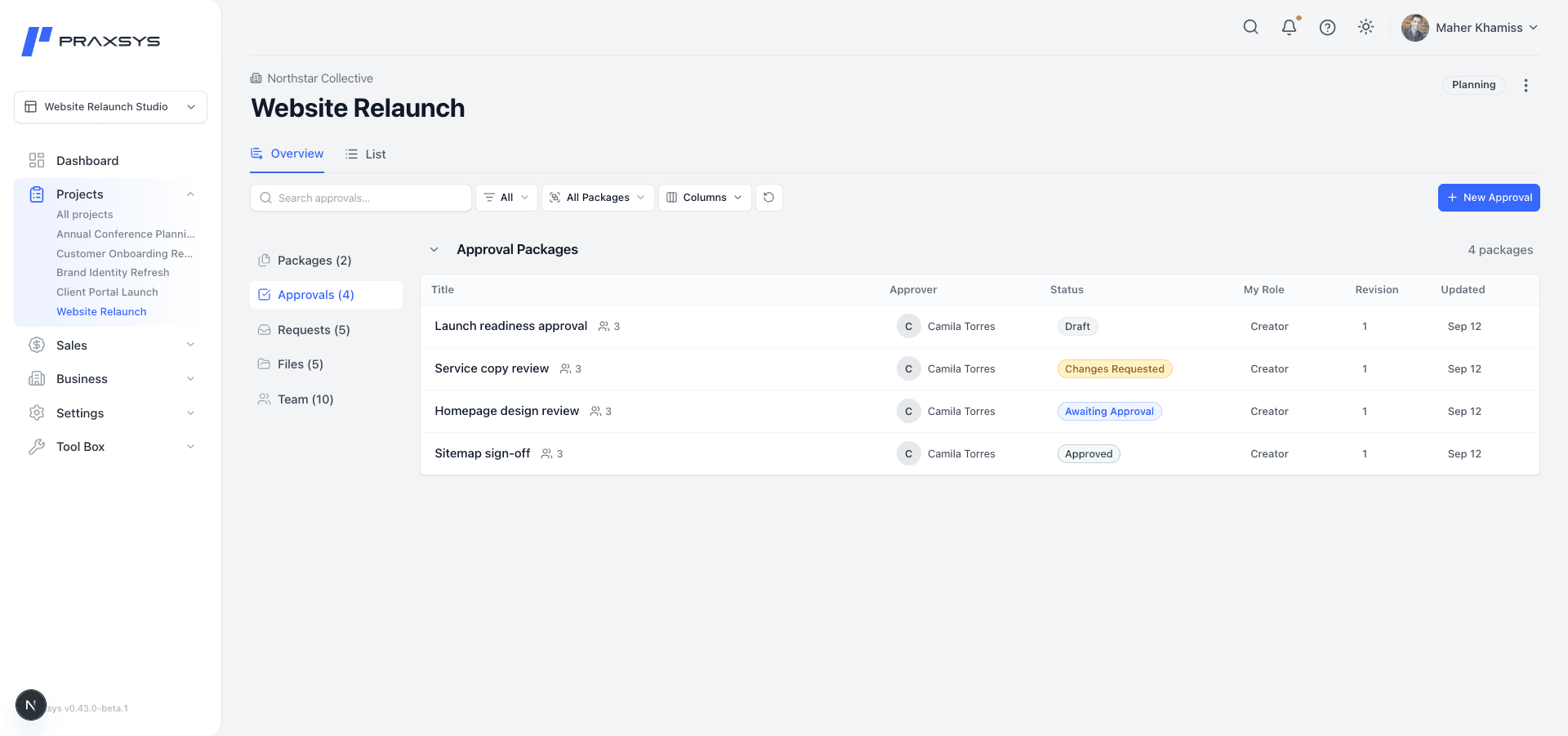
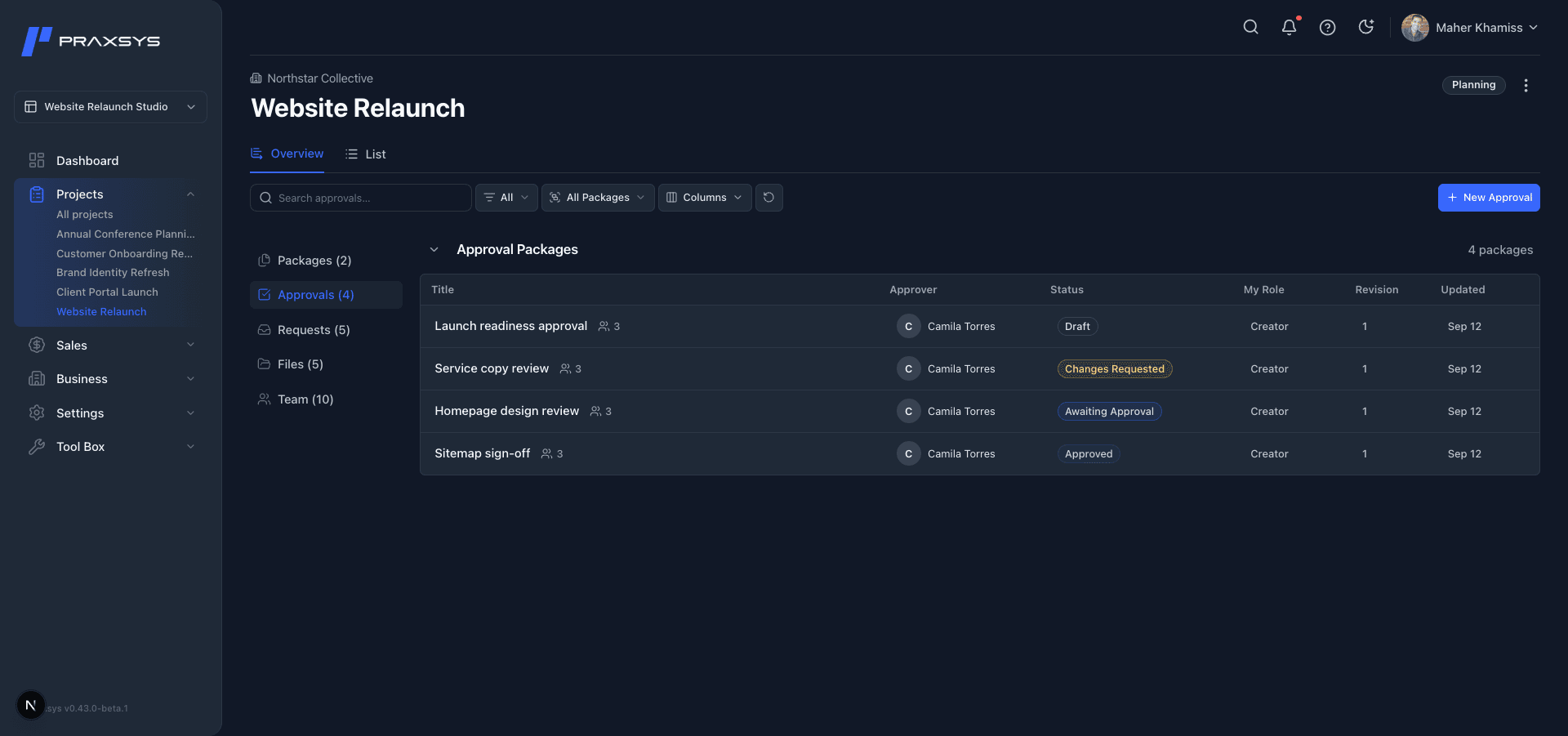
Start an Approval on its own or from a Package. Choose an approver and, when useful, reviewers. Each send preserves a version of the material for those participants, with discussion and the decision kept in its history.
Keep the history as work changes.
Track a project as Planning, In Progress, Ongoing, On Hold, or Complete while keeping its tasks, documents, and decisions together. Completing a project keeps it available until you choose to archive it.
Space Owners and Admins can archive and restore projects. Owners can delete eligible projects with a seven-day recovery window. Projects with previously sent Approvals must be archived to preserve their review history.
Connect the next opportunity.
Sales keeps Opportunities in view as potential work develops. Business brings Client relationships and their linked Opportunities and Projects together for Owners and Admins. Create a project from an opportunity when you decide to take the work forward.
See how Praxsys could fit your work.
Tell us what your team delivers and where coordination gets difficult.